
Google I/O 2026: Gemini 3.5, Gemini Spark and the AI updates that matter
Google I/O 2026 presented a broad AI strategy: faster models, deeper reasoning modes, assistants inside Google products and tools that work across text, images, video, audio and code.
Published June 7, 2026 · Checked June 7, 2026 · Reading time: 13 min
Practical summary
Gemini 3.5, Deep Think, Gemini Spark, Workspace, Search and multimodal creation explained through practical use cases.
This content helps you
- understand the topic without jargon
- see concrete use cases
- spot common mistakes
- move forward with a simple method
What is covered
- 1The 30-second answer
- 2What was announced
- 3What the new capability can do
- 4Practical examples
- 5Who may benefit
Section 01 · guide
The 30-second answer
Gemini 3.5 targets complex multimodal work. Gemini Spark emphasizes speed. Deep Think is aimed at harder problems. Google's practical advantage remains integration with Search, Workspace, Android and services people already use.
The useful question is not whether the announcement looks impressive. It is whether the feature improves a real task, saves time after review, fits the budget and keeps important decisions under human control.
Section 02 · guide
What was announced
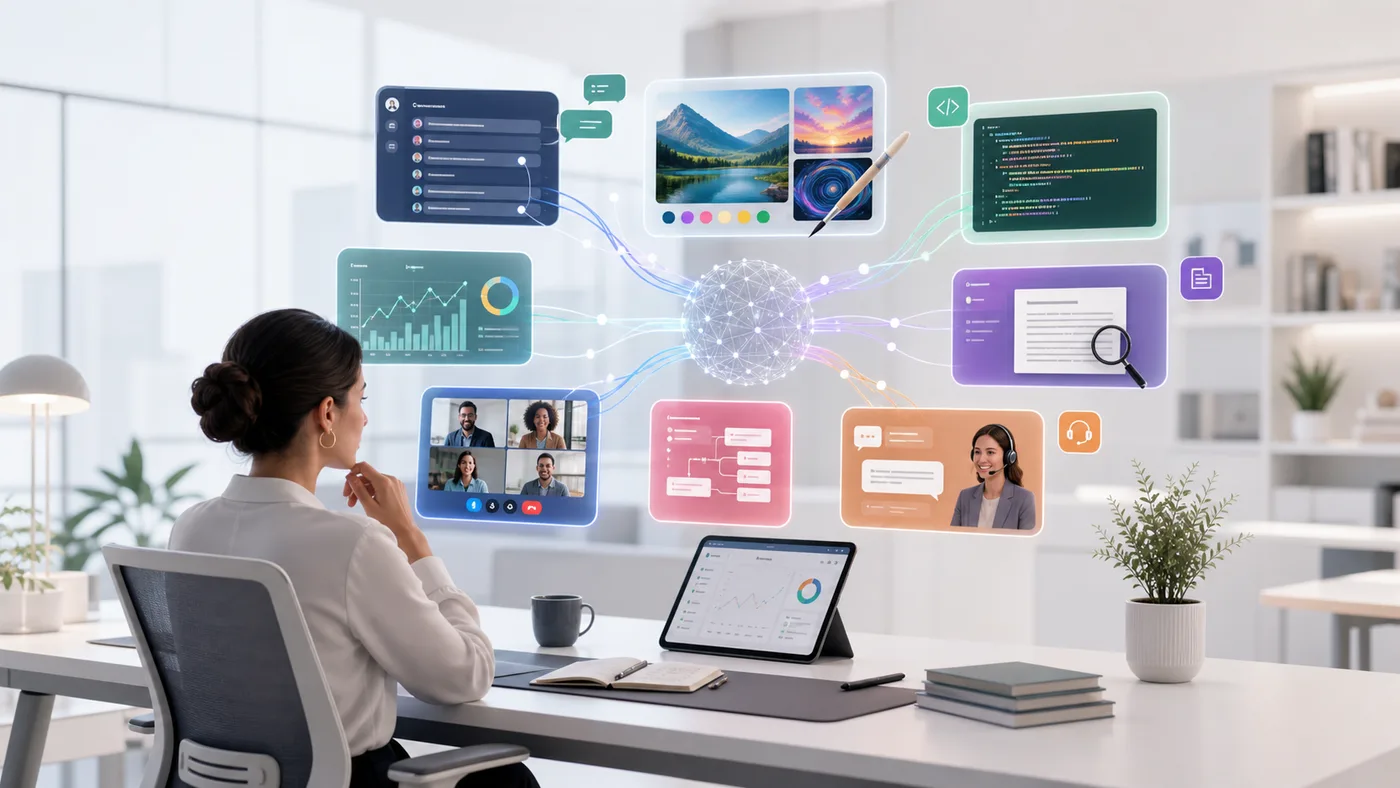
Google presented Gemini 3.5 Pro, Gemini 3.5 Flash, Gemini 3.5 Deep Think, Gemini Spark and updates across Search, Gemini Live, visual creation, video and developer tools.
The strategy is not limited to a model leaderboard. Google wants Gemini to be present where users already search, write, communicate, navigate and create.
Section 03 · method
What the new capability can do
- 1Use a fast model for summarization, classification and high-volume tasks.
- 2Switch to deeper reasoning for difficult problems.
- 3Combine text, images, audio, video and documents in one task.
- 4Work with Gmail, Docs, Sheets and Drive depending on the plan.
- 5Create prototypes and applications from a description.
- 6Ground selected answers in Google Search.
Section 04 · method
Practical examples
A feature becomes valuable when it fits a repeatable workflow. These examples show the difference between a polished demo and work that can be used every week.
- 1A marketing team analyzes feedback in Sheets and prepares a campaign plan in Docs.
- 2A trainer turns a document, video and notes into a structured learning resource.
- 3A developer uses the fast model for routine work and reserves advanced reasoning for hard problems.
- 4A consumer uses Gemini Live to understand an object or scene shown through a camera.
Section 05 · method
Who may benefit
- 1Organizations already using Google Workspace.
- 2People working with several media formats.
- 3Developers balancing speed, cost and reasoning.
- 4Creators already producing and sharing through Google services.
Section 06 · method
Limits and points to check
Official announcements naturally show the strongest use cases. Before adopting the feature, check availability, privacy, reliability, total review time and the actions the system is allowed to take.
- 1Not every feature is available in every country or subscription.
- 2Deep integration can increase dependence on one ecosystem.
- 3Search-grounded answers still require primary-source verification.
- 4Multimodal systems can misread a scene, document or visual detail.
Section 07 · method
How to test it without disrupting your workflow
- 1Choose an existing Gmail, Docs or Sheets workflow.
- 2Test a simple task with a fast model and a hard task with Pro.
- 3Measure review time and source quality.
- 4Check Workspace file permissions.
- 5Test exceptions before automating the workflow.
Section 08 · guide
What this signals for the next stage of AI
Google is turning Gemini into a common assistance layer across its products. For many users, proximity to files, email and search may matter more than abstract benchmarks.
Fast and deep-reasoning tiers also make it easier to reserve expensive computation for tasks that genuinely need it.
Section 09 · guide
Official sources
This article is based on official announcements and documentation available on the publication date. Features, pricing and availability may change after publication.
Sources and useful reading
Frequently asked questions
Does Gemini Spark replace Gemini Flash?
Names and positioning may evolve. The useful distinction remains fast models for volume and advanced models for difficult work.
Is Gemini better for Google Workspace users?
Its integration can save time when the required features are included in the account.
Should every task use Deep Think?
No. Deeper reasoning is for complex problems, not simple rewriting.
Can Gemini process confidential documents?
Review the product tier, company policy and data handling terms before submitting sensitive information.
Related guides
How to use AI with Google Sheets
Use AI with Google Sheets for cleanup, summaries, reporting, categorization and automation.
Which AI tool should you choose in June 2026? Price, tasks and profiles
A detailed guide to choose between ChatGPT, Claude, Gemini, Perplexity, Mistral, Copilot, DeepSeek, Grok, Manus, Make and Zapier by task and budget.
Gemini Flash, Pro and Ultra models in June 2026: which one should you choose?
Understand Gemini model levels for speed, reasoning, multimodal work, Google Workspace and web-grounded answers.
Free AI tools
Use the free English tools to prepare prompts, emails, CVs and automation plans without starting from a blank page.
Explore tools